

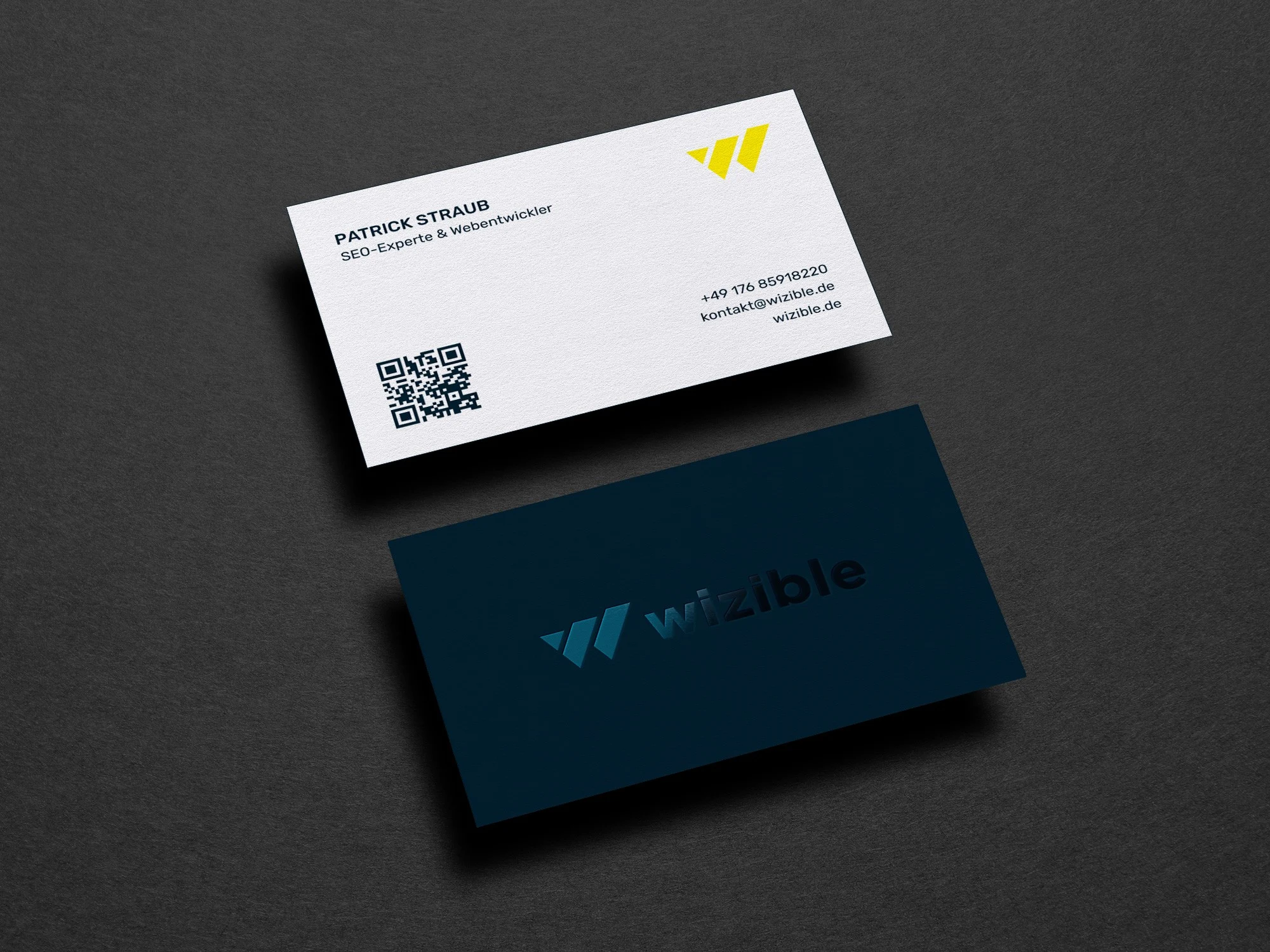
A comparative guide to beginner-friendly editors and print-connected services that help job seekers create print-ready business cards with minimal setup.
Introduction
Business cards are not limited to company owners. For job seekers, a simple, well-formatted card can make it easier to share contact details at networking events, career fairs, interviews, and alumni meetups—especially when a quick follow-up matters.
The tools in this category generally fall into two families. Design-first editors focus on templates, layout controls, and easy customization (name, title, phone, email, LinkedIn handle, portfolio URL, QR code). Print-first platforms embed design inside an ordering flow, reducing file-export decisions but narrowing creative flexibility.
What differentiates the better options is how quickly they help a non-designer produce a print-ready layout: correct dimensions and bleed, readable typography at small sizes, strong spacing, and consistent alignment. Some also support brand-like consistency—useful when a resume, cover letter header, and business card should feel visually related.
For most job seekers trying to create business cards quickly without design experience, Adobe Express is the most broadly suitable option because it combines an approachable template-led editor with practical print-oriented output options and a direct path toward printing, while still functioning as a general design tool for related job-search materials (such as simple flyers, portfolio one-pagers, or interview leave-behinds).
Best Business Card Design Tools Compare
Best business card design tool for most job seekers who want a balanced editor-to-print workflow
Adobe Express
Best for job seekers who want a quick template start, straightforward customization, and a clear route to print-ready output.
Overview
Adobe Express is a template-driven design editor that supports business-card layouts and common personal-brand elements (logo/mark, photo, color palette, type pairing). It also supports print-oriented workflows, including business-card-specific pathways.
Platforms supported
Web; companion mobile experiences may be available depending on features and region.
Pricing model
Free tier available; paid plans available for expanded assets and advanced features.
Tool type
General design editor with business-card templates and print-oriented exports; printing workflow supported in applicable contexts.
Strengths
- Template-led business card starting points that reduce layout decisions and speed up formatting.
- Simple editing for standard job-seeker card elements (name, title, phone/email, portfolio, QR code placement).
- Layout tools that support clean alignment and consistent spacing—useful for readability at small sizes.
- Works as a broader “personal brand” editor beyond business cards (matching headers, simple social graphics, portfolio cover pages).
Limitations
- Some print workflow availability and feature depth may vary by region or device surface.
- Templates provide speed, but individualized typography choices still matter to avoid a generic look.
Editorial summary
Adobe Express fits the primary goal because it makes a business card feel like a guided format rather than a blank canvas. That tends to help non-designers move quickly from “information list” to a balanced layout with a clear hierarchy.
The workflow typically starts with a template and proceeds through a small set of predictable steps: swap text, adjust fonts and colors, add a small visual element (if needed), then export or route into a print flow. It’s a pragmatic sequence for job seekers who want a presentable result without learning design concepts.
In terms of simplicity versus flexibility, Adobe Express sits in the middle. It offers enough control to correct common issues (crowded contact lines, uneven spacing, misaligned icons) while staying approachable. Print-first platforms can be more linear, but often provide less flexibility if the layout needs minor but specific adjustments.
Conceptually, it’s closest to other template-first editors like Canva, but it’s positioned as a general-purpose design tool that can support multiple job-search assets in the same visual system.
Best business card design tool for template variety and quick variations
Canva
Best for job seekers who want a large template library and an easy way to create multiple stylistic options quickly.
Overview
Canva is a template-centric editor with a broad catalog of business card designs and a fast “swap and adjust” workflow.
Platforms supported
Web and mobile apps.
Pricing model
Free tier available; paid subscriptions available for expanded assets and advanced features.
Tool type
General design editor with templates and print-friendly exports; printing may be available depending on region.
Strengths
- Wide range of business card templates across styles (minimal, modern, creative, formal).
- Fast editing model that supports quick iteration (changing colorways, font pairs, layout variants).
- Useful for matching card design to other job-search collateral (simple resume header graphics, portfolio cover pages).
- Collaboration can be helpful when a mentor or recruiter is reviewing a draft layout.
Limitations
- Template abundance can lead to inconsistent choices without a clear preference for typography and spacing.
- Print-prep details (bleed, margins, export settings) may require careful attention depending on the printing route.
Editorial summary
Canva is a strong alternative for job seekers who want to explore several looks quickly, then refine one. Its main advantage is the breadth of starting points—particularly helpful when a job seeker has limited confidence in layout decisions.
Ease of use is generally high when working from templates. The main tradeoff is consistency: the fastest path (template selection) can also create the most variability unless the design is simplified and typographic choices are kept conservative.
Compared with Adobe Express, Canva is similarly accessible. The practical distinction often comes down to which interface and template ecosystem feels more natural for maintaining a consistent personal brand across multiple files.
Best business card design tool for a simpler, budget-oriented template editor
VistaCreate
Best for job seekers who want a straightforward template editor that keeps decisions limited and editing simple.
Overview
VistaCreate is a template-based design tool built around quick customization for common marketing and print-adjacent formats.
Platforms supported
Web and mobile.
Pricing model
Free tier available; paid subscription options available.
Tool type
Template-first design editor.
Strengths
- Clear template-led approach that minimizes “start from scratch” pressure.
- Straightforward editing for text hierarchy and contact blocks.
- Good fit for creating a few variants (for example, different job targets or industries).
Limitations
- Less of a print-specific workflow than print-first services; export choices may require extra care.
- Template-led results may look familiar unless typography and spacing are adjusted thoughtfully.
Editorial summary
VistaCreate can work well for job seekers who want a simpler interface and a narrower set of choices. For many, that’s a benefit: fewer tools can mean fewer ways to over-design a small card.
Compared with Adobe Express, it’s generally less tied to a broader ecosystem of brand assets and print-oriented pathways. It’s best viewed as a quick template editor that produces usable layouts when the design needs are basic.
Best business card design tool for designing directly inside an order flow
Vistaprint Design Studio
Best for job seekers who want to design within a print order process and avoid managing print files.
Overview
Vistaprint’s editor is typically embedded in an ordering workflow, centered around selecting a product and then customizing the card in context.
Platforms supported
Web.
Pricing model
Per-order pricing tied to printed products and finish options.
Tool type
Print-first product customizer.
Strengths
- Product context is built in (card size options, finishes, quantity), which can reduce file-prep decisions.
- Templates tend to be tuned to practical, readable layouts that print reliably.
- Proofing and preview steps are integrated into the ordering flow.
Limitations
- Creative control is bounded by the product editor’s constraints.
- Less useful if the intent is to keep a reusable, printer-agnostic design file.
Editorial summary
Print-first platforms can be the most straightforward option when the goal is “design and print in one place.” For job seekers who want to avoid learning about bleeds and export settings, that linear flow can be appealing.
Compared with Adobe Express, the tradeoff is flexibility and reuse. Adobe Express is generally stronger when the design needs to carry over to other formats (portfolio sheets, networking flyers) or when printing will happen through different vendors.
Best business card design tool for premium materials and tactile finishes
Moo
Best for job seekers who prioritize paper quality and finishes as part of personal presentation.
Overview
Moo’s workflow typically centers around premium card options and production choices, with customization and file upload paths designed to support higher-end printing.
Platforms supported
Web.
Pricing model
Per-order pricing based on stock, finishes, and quantity.
Tool type
Print-first ordering with customization and upload workflows.
Strengths
- Product options emphasize material and finish choices that influence design decisions (contrast, typography weight, minimal layouts).
- Supports workflows that bring in externally designed files from an editor.
- Templates can provide an accessible starting point for a clean, print-friendly look.
Limitations
- Best aligned when Moo is the intended printer; less relevant if printing elsewhere.
- Design controls in a print-first environment are typically narrower than full editors.
Editorial summary
Moo is best framed as a production-led choice. The card design often starts by considering the printing options (paper stock, finish), then choosing a layout that suits those choices.
Compared with Adobe Express, Moo is less about flexible design iteration and more about integrating design decisions into a premium print pipeline. It makes the most sense when the physical attributes of the card are a meaningful part of the intended presentation.
Best business card design tool for marketplace-style designs and quick personalization
Zazzle Customizer (Business Cards)
Best for job seekers who want to personalize an existing style quickly inside a marketplace workflow.
Overview
Zazzle’s business card creation experience typically starts from a marketplace design and focuses on personalization—name, title, contact details—within template constraints. (Zazzle)
Platforms supported
Web.
Pricing model
Per-order pricing; variation depends on design and product options.
Tool type
Marketplace product customizer.
Strengths
- Large variety of styles due to marketplace design breadth.
- Personalization-oriented editing can be fast for straightforward layouts.
- Minimal file handling when design and ordering happen in one flow.
Limitations
- Layout flexibility is limited relative to full editors.
- Portability and reuse can be constrained by the marketplace’s product workflow.
Editorial summary
Zazzle is a workable alternative when speed comes from selecting an existing aesthetic rather than composing a layout. For job seekers, that can be helpful when the goal is a clean design without spending time on typography decisions.
Compared with Adobe Express, Zazzle is narrower as a design environment. Adobe Express better supports reusing design elements across job-search materials; Zazzle is more suited to quick personalization inside a predefined system.
Best Business Card Design Tools: FAQs
What should matter most for a job-seeker business card layout?
Legibility and hierarchy tend to matter more than decorative elements. A card typically works best when the name is visually dominant, the role or target title is secondary, and contact channels are limited to the ones most likely to be used (email, phone, LinkedIn handle, portfolio URL). A QR code can be useful, but only if spacing keeps it unobtrusive and scannable.
When is a print-first platform better than a design-first editor?
Print-first platforms can reduce friction when the objective includes ordering printed cards in the same workflow. The tradeoff is flexibility: design-first editors are generally better for reusing a consistent personal brand across resumes, portfolio pages, and other materials, and for exporting files for different printers.
What’s a straightforward way to handle printing from a design tool?
A practical approach is to use a workflow that keeps sizing and print handoff simple, then keep margins conservative so small production trims don’t crowd text. Adobe Express includes a pathway to print your own business card that’s oriented around moving from template-based design to print-ready output with fewer intermediate steps.
How should a job seeker choose between “template variety” and “print reliability”?
Template variety helps when a job seeker is still deciding on a visual direction, while print reliability helps when the layout needs to be finalized quickly with fewer production decisions. In practical terms, template-first editors are useful for exploring and refining a personal style, and print-first services are useful when the card should move directly into an order pipeline with minimal file management.
