


Mining farm owners work with dozens or hundreds of devices every day, and manual administration becomes a complex and costly process. This is where the HashCore Toolkit comes in, allowing you to centrally manage all ASIC miners, reducing maintenance time and minimising downtime risks.
What the toolkit does
Vnish has created a tool that combines management, monitoring, and firmware in a single panel. This solution is necessary for anyone who wants to increase efficiency without constant manual work.
The main scenarios where the Toolkit is indispensable:
- centralised management of large groups of devices;
- quick firmware and settings updates;
- temperature and load control to maintain stability;
- generation of diagnostic reports for error analysis;
- time savings through automation of repetitive operations.
Install & connect devices
The HashCore Toolkit installation process is as simple as possible and does not require in-depth technical knowledge. The programme can be installed on Windows, Linux or macOS, and devices can be connected in a matter of minutes. This allows for quick integration of both small farms and large-scale data centres.
Step-by-step instructions:
Step 1. Download the installer
- Go to the official download page.
- Select the version for your operating system:
- Windows — .zip archive
- macOS — .dmg package
- Linux — .zip archive
Step 2. Installing the programme
- For Windows/Linux: unzip the archive into the selected folder and open the executable file.
- For macOS: double-click on the downloaded package, then move the programme to the Applications folder.
Step 3. First launch
- Launch the HashCore Toolkit application.
- In the menu, create a workgroup and add a range of IP addresses to search for devices.
- The programme will automatically scan the network and display the ASICs it finds.
Step 4. Device configuration
- Assign group profiles or add individual settings.
- Check the connection to the pools and the operating status.
Step 5. Management and optimisation
- Use the centralised dashboard to update firmware, change pools, and generate diagnostic reports.
Typical use cases for HashCore Toolkit cover various scales and formats of mining infrastructures. For small local farms consisting of dozens of Antminers, the programme provides basic monitoring and allows you to quickly apply uniform settings. In large data centres with hundreds of ASICs, it is convenient to use centralised profile management and batch update capabilities, which significantly reduce maintenance time. In cases where a farm needs to recover quickly after failures, Toolkit helps restore equipment to stable operation in just a few minutes. For mobile or container farms, it is especially important to have a simple system for quick connection in new conditions, and here Toolkit also demonstrates its effectiveness. Finally, in test laboratories, the tool becomes indispensable for experiments with firmware and power consumption settings, allowing you to flexibly change parameters and analyse results.
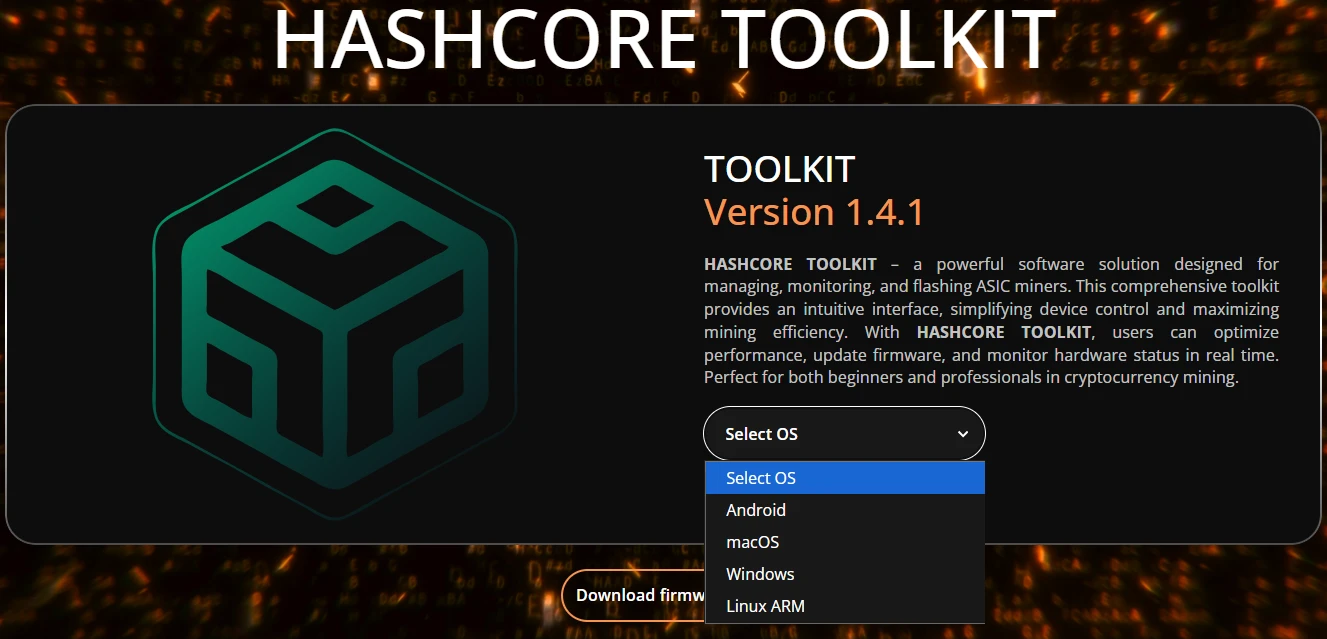
Download HashCore Toolkit with your choice of operating system.
Core workflows
Mass firmware updates
HashCore Toolkit supports batch installation and firmware updates, making the administration process much more efficient. Instead of manually reflashing each device individually, the administrator can flash dozens or even hundreds of miners simultaneously, applying the same performance profiles and power consumption settings. This is especially important for large data centres, where any delay or error during an update can lead to downtime and losses. In addition, centralised update management reduces the risk of human error, as all devices receive a verified and identical configuration. As a result, the farm operates more stably and maintenance time is reduced several times over.
Group profiles
Creating profile groups allows you to manage not a single miner, but a whole pool of devices at once.
- setting the same frequency and voltage parameters;
- centralised editing of pools;
- saving and copying configuration templates.
Monitoring & alerts
In real time, the user receives detailed data on chip temperature, fan speed, current hashrate, and energy consumption. Such monitoring allows you to quickly track the operation of each device and immediately notice deviations from the norm. The built-in notification system sends alerts about critical changes or errors, allowing the operator to respond quickly and prevent serious malfunctions.
Access control & safety
The programme implements a security system that allows you to set and change passwords for both individual miners and entire groups of devices. This significantly increases the security of farms where several operators work with the equipment, as only authorised users are granted access. Additionally, HashCore Toolkit provides:
- protection against incorrect or accidental reflashing, which reduces the risk of device failure;
- the ability to quickly restore factory settings in case of critical errors;
- action logs that record changes and help track all completed operations.
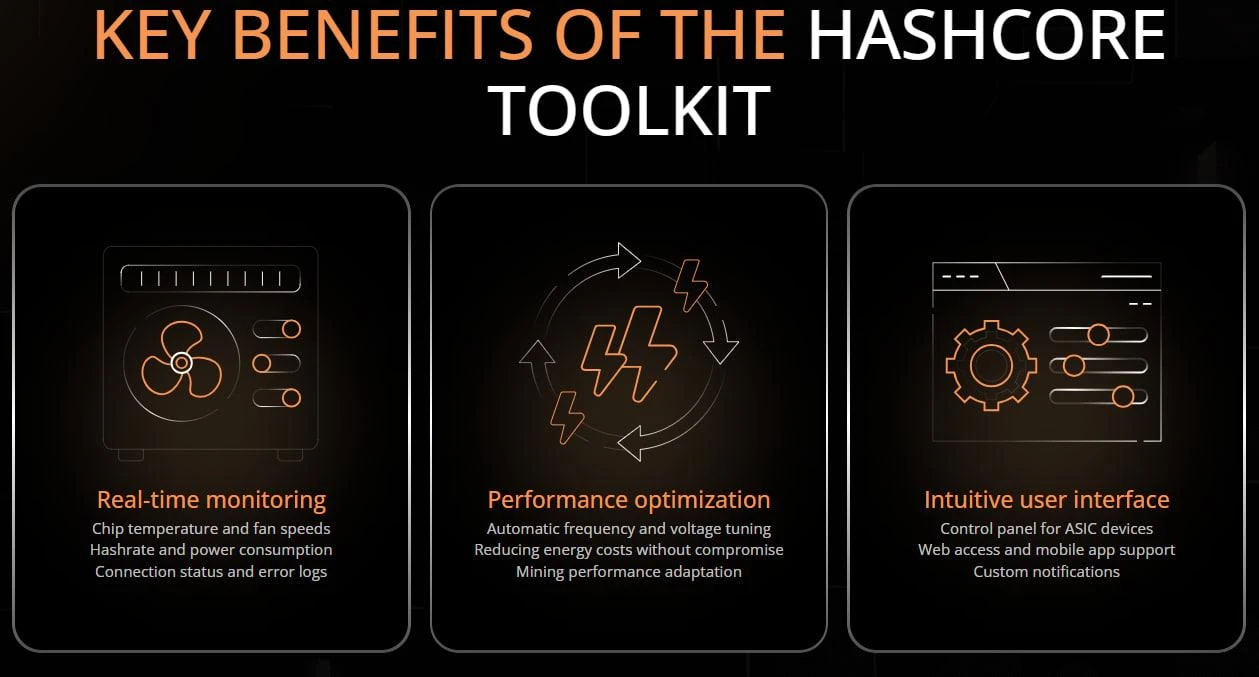
Key advantages of HashCore Toolkit: monitoring, optimisation, and a user-friendly interface
Time saved vs manual ops
Using HashCore Toolkit significantly reduces the time spent on routine operations, because instead of spending hours manually updating each ASIC, the administrator can manage the entire farm from a single console. This reduces maintenance time, allows for quick response to emergencies, and maintains stability through automatic real-time monitoring of all devices.
The table shows the key differences between the stock Antminer firmware and HashCore Toolkit from Vnish.
| Criterion | Antminer stock firmware | HashCore Toolkit from Vnish | Comment |
| Mass update | No | Yes | Time saving |
| Group profiles | Limited | Full support | Centralised management |
| Real-time monitoring | Basic | Advanced | Detailed analytics |
| Protection and rollback | Basic options only | Restore and clone settings | Enhanced security |
Conclusions
HashCore Toolkit is a modern and comprehensive solution for miners who want to manage their infrastructure as efficiently as possible. The tool combines monitoring, firmware updates, and performance optimisation in a single interface, significantly simplifying the daily work of operators. It ensures system stability, reduces downtime risks, and provides a complete overview of the status and performance of each connected device. One of the key advantages is scalability whether you manage a small farm with a few ASICs or a large data centre, Toolkit adapts to your needs without additional complexity or time consumption.
For best results, it is recommended to install Toolkit at the farm launch stage. By setting up group profiles and centralised policies from the outset, you will immediately benefit from simplified management, reduce manual tasks and ensure stable equipment operation. This approach not only saves valuable time, but also forms a solid foundation for further growth and long-term profitability.
